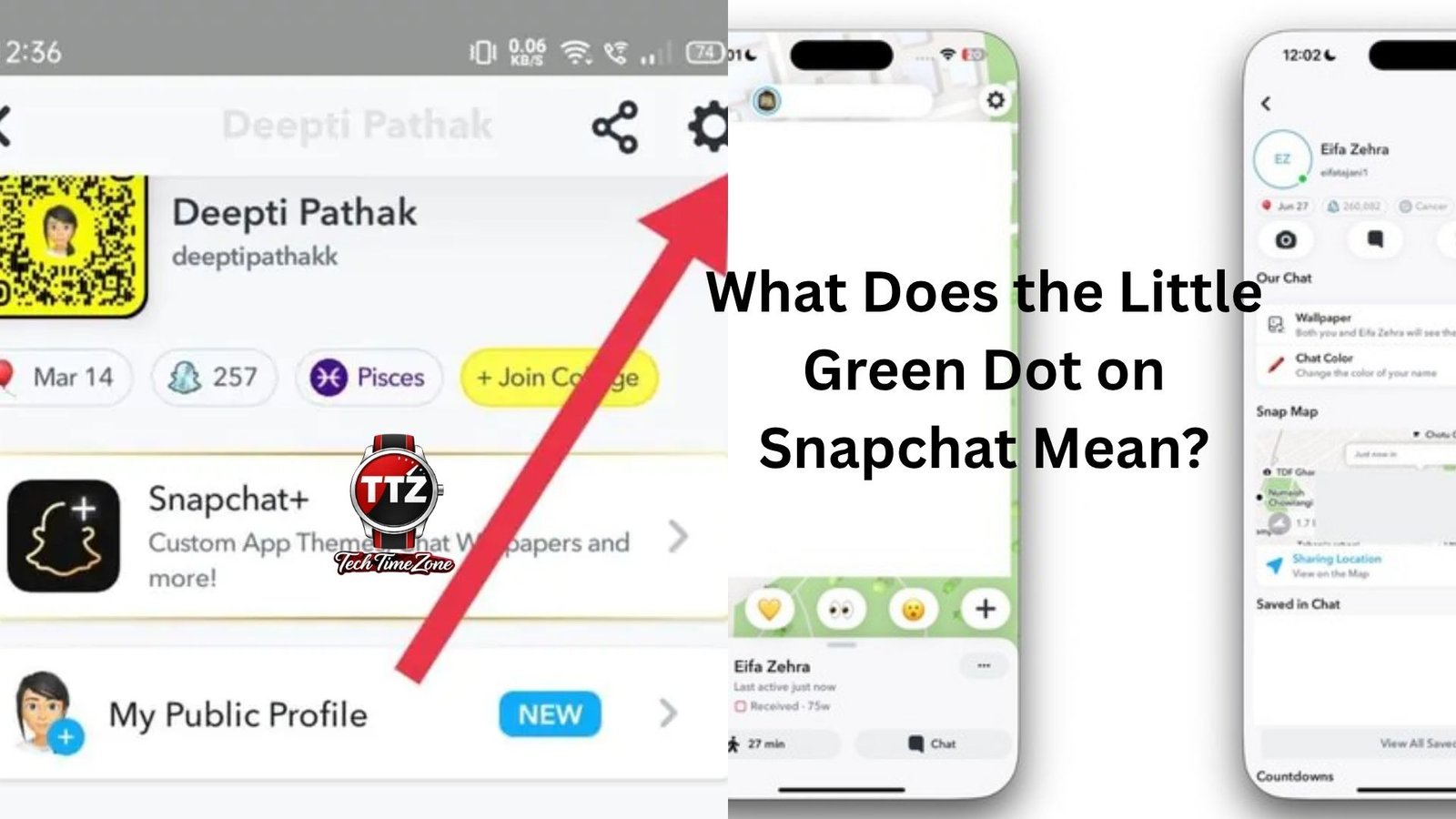
You open Snapchat, tap on a friend’s profile, and suddenly notice a tiny green dot next to their Bitmoji. Instantly, a question pops into your mind: what does the little green dot on Snapchat mean?
If you’ve ever wondered whether that green dot means someone is online right now, actively chatting, or just recently used the app, you’re not alone. It’s one of those small Snapchat features that creates a lot of confusion because it seems simple on the surface but actually has a few details worth understanding.
The good news? The answer is fairly straightforward once you know how Snapchat uses activity indicators.
Table of Contents
- What Does the Little Green Dot on Snapchat Mean?
- Where You Can See the Green Dot
- Does the Green Dot Mean Someone Is Online Right Now?
- Why Snapchat Added the Green Dot Feature
- Can the Green Dot Be Wrong?
- How to Turn Off the Green Dot on Snapchat
- What Happens When You Disable Activity Indicators
- Common Misunderstandings About the Green Dot
- Snapchat Privacy and Activity Status
- Should You Trust the Green Dot?
- Final Thoughts
What Does the Little Green Dot on Snapchat Mean?
The little green dot on Snapchat is an activity indicator. It lets other users know that you’ve recently been active on Snapchat.
Notice the wording there. Snapchat says recently active, not necessarily active at that exact moment.
Many people assume the green dot works exactly like Facebook Messenger’s online indicator or Instagram’s active status. That’s not always the case. A person could have opened Snapchat a few minutes ago, closed it, and still appear with the green dot visible.
Think about it like this.
Imagine your friend checks Snapchat while waiting for coffee. They open a few snaps, reply to one message, and then put their phone away. If you check their profile shortly afterward, you might still see the green dot even though they’re no longer looking at their screen.
That’s why it’s best viewed as a sign of recent activity rather than proof that someone is currently online.
Where You Can See the Green Dot
The green dot typically appears on a user’s profile or Bitmoji in certain areas of Snapchat.
You may notice it when:
- Viewing someone’s profile
- Looking at friend recommendations
- Browsing friend-related sections
- Checking certain account cards
Not every Snapchat screen displays the indicator. Some users spend ages searching their chat list wondering why they don’t see it everywhere.
Snapchat intentionally limits where activity indicators appear, making them more subtle than on many other social platforms.
That design choice feels deliberate. Snapchat has always focused more on private communication and less on broadcasting everyone’s status every second.
Does the Green Dot Mean Someone Is Online Right Now?
This is the question most people really want answered.
The short answer is: No, not necessarily.
The green dot suggests recent activity but doesn’t guarantee that the person is currently using Snapchat.
Here’s a simple example.
Let’s say Sarah opens Snapchat at 2:00 PM. She checks a few stories and closes the app at 2:02 PM.
At 2:05 PM, you view her profile.
You might still see the green dot.
In that situation, Sarah isn’t actually online. She was simply active recently.
That distinction matters because people often use the green dot as evidence.
Someone sends a message.
No reply.
Then they notice the green dot and think, “They’re ignoring me.”
Reality isn’t always that dramatic. The person may have opened Snapchat briefly, gotten distracted, switched apps, or simply not seen the message.
The green dot provides a clue, not a guarantee.
Why Snapchat Added the Green Dot Feature
Social apps are constantly trying to make communication feel more natural.
When users know their friends are active, they’re more likely to start conversations.
The green dot serves that purpose.
It helps answer questions like:
- Is my friend still using Snapchat?
- Are they likely to see my snap soon?
- Is this account active?
Without some type of activity indicator, users often feel like they’re sending messages into a void.
At the same time, Snapchat didn’t make the feature overly aggressive. Instead of constantly showing exact online status, it offers a softer signal through recent activity.
That’s probably a smart middle ground.
People get useful information without feeling watched every second they’re using the app.
Can the Green Dot Be Wrong?
Sometimes it can appear inaccurate.
Not because Snapchat is broken, but because activity indicators don’t update instantly in every situation.
A few factors can affect what you see:
Delayed Updates
Apps rely on servers, internet connections, and device syncing.
Occasionally, status information may take a little time to refresh.
Background Activity
Phones often keep apps running in the background for short periods.
That can create situations where activity appears more recent than users expect.
Different User Settings
Some people change privacy settings that affect what others can see.
Because of that, you won’t always get a complete picture based solely on the green dot.
This is why using the indicator as hard evidence in personal conversations rarely works out well.
It’s useful information, but it’s not perfect information.
How to Turn Off the Green Dot on Snapchat
Not everyone likes broadcasting their activity.
The good news is Snapchat gives users some control over this feature.
If you’d rather not show recent activity, you can usually disable activity indicators through your privacy settings.
The exact steps can vary slightly depending on app updates, but generally the process looks something like this:
- Open Snapchat.
- Tap your profile icon.
- Open Settings.
- Find privacy-related options.
- Locate Activity Indicator settings.
- Turn the feature off.
Once disabled, other users won’t see your recent activity through the green dot indicator.
Many privacy-conscious users choose this option.
Others leave it on because they don’t mind appearing active.
Neither choice is right or wrong. It simply depends on your comfort level.
What Happens When You Disable Activity Indicators
Here’s something many people overlook.
When you turn off certain visibility features, you may also lose access to similar information about others.
Apps often create a balance between privacy and visibility.
If you hide your own activity, Snapchat may limit certain activity-related insights available to you as well.
Policies can change over time, so Snapchat occasionally adjusts exactly how these settings work.
The important takeaway is that privacy settings aren’t always one-directional.
Sometimes opting out affects both what you share and what you can view.
Common Misunderstandings About the Green Dot
The green dot has inspired plenty of myths.
Let’s clear up some of the biggest ones.
It Means Someone Is Looking at Your Message
No.
The green dot isn’t a read receipt.
Someone can be active on Snapchat without opening your message.
It Means They’re Ignoring You
Not necessarily.
Life happens.
People check apps while working, studying, driving, eating dinner, watching TV, or juggling five other things at once.
A green dot doesn’t reveal intentions.
It Shows Exact Online Status
Again, no.
The indicator focuses on recent activity rather than real-time presence.
Everyone Can See It
Only users who meet Snapchat’s visibility requirements will typically see activity indicators.
Privacy settings also play a role.
Snapchat Privacy and Activity Status
Snapchat’s popularity has always been connected to privacy.
Messages disappear.
Stories expire.
Users have more control than on many traditional social platforms.
The green dot exists within that broader privacy philosophy.
Compared with some messaging apps that show detailed information such as:
- Online now
- Last seen
- Last active 2 minutes ago
- Typing
Snapchat’s approach is relatively restrained.
You get a general indication of activity without receiving a minute-by-minute report.
Let’s be honest.
Most people prefer that balance.
Nobody wants friends analyzing every second they spend on an app.
The green dot provides enough information to encourage interaction while avoiding excessive tracking.
Should You Trust the Green Dot?
Trust it as a general signal.
Don’t treat it as absolute proof of anything.
That’s the healthiest way to think about it.
If you see a green dot, it’s reasonable to assume the user has been active on Snapchat recently.
Beyond that, conclusions become risky.
You don’t know whether they opened one snap or spent an hour chatting.
You don’t know whether they saw your message.
You don’t know whether they immediately closed the app afterward.
Technology often gives us pieces of information without the full story.
The Snapchat green dot is one of those pieces.
Useful? Definitely.
Perfect? Not even close.
Final Thoughts
So, what does the little green dot on Snapchat mean?
Simply put, it indicates that a user has been recently active on Snapchat. It does not necessarily mean they’re online at that exact moment, reading messages, or available to chat.
The feature exists to make conversations feel more connected while still respecting a reasonable level of privacy. That’s why Snapchat uses recent activity rather than a strict real-time online status system.
Next time you notice that tiny green dot beside someone’s Bitmoji, treat it as a helpful hint rather than a definitive answer. It can tell you that someone has been around recently, but it can’t tell you the whole story. And sometimes, that’s probably for the best.