Most gamers focus on download speed. It makes sense. Downloads determine how quickly games install, updates finish, and content arrives on your console.
Upload speed, though, often gets ignored until something starts going wrong.
Maybe your friends complain that your voice sounds robotic during party chat. Maybe your livestream keeps dropping frames. Maybe multiplayer games suddenly feel unstable even though your download speed looks great.
That’s when upload speed becomes important.
The good news is that the PlayStation 5 doesn’t need an enormous upload connection for normal gaming. The better news is that understanding what counts as a “good” upload speed can save you from chasing internet upgrades you may not actually need.
Why Upload Speed Matters on PS5
Upload speed is the rate at which data travels from your PS5 to the internet.
Every action you take online sends information outward. When you move your character in a multiplayer match, send a voice message, join party chat, upload saved data to cloud storage, or stream gameplay to Twitch, your console is constantly transmitting information.
Think of it like a conversation.
Download speed is how fast you can hear someone speaking. Upload speed is how clearly and quickly you can respond.
If your upload speed is too low, communication between your console and game servers can become inconsistent. That’s often when lag, disconnects, voice chat issues, and streaming problems begin to appear.
The Minimum Upload Speed for PS5
For basic online gaming, you don’t need a huge amount of upload bandwidth.
Most online games can function with upload speeds as low as 1 Mbps.
That said, functioning and performing well are two different things.
A connection with only 1 Mbps upload may work when no one else in the house is using the internet. Once someone starts watching Netflix, joins a video call, or uploads files, things can become much less reliable.
In practical terms, 3 Mbps upload should be considered the bare minimum for a comfortable PS5 online gaming experience today.
Anything below that leaves very little room for network fluctuations.
What Counts as a Good Upload Speed?
For most PS5 owners, a good upload speed falls between 5 Mbps and 20 Mbps.
That range handles nearly every common gaming activity without issues.
Here’s how it typically breaks down:
- 3 to 5 Mbps: Suitable for casual online gaming and party chat.
- 5 to 10 Mbps: Comfortable for multiplayer gaming, voice chat, and cloud saves.
- 10 to 20 Mbps: Excellent for gaming while other household devices are active.
- 20+ Mbps: Ideal for streamers, content creators, and large households.
Let’s be honest. If all you do is play games online and occasionally use party chat, 10 Mbps upload is more than enough for most situations.
Many gamers chase ultra-fast internet packages when the real bottleneck isn’t speed at all.
Online Gaming Doesn’t Need Massive Upload Speeds
This surprises a lot of people.
Popular multiplayer games actually use relatively small amounts of bandwidth.
Whether you’re playing a battle royale, a sports game, or a first-person shooter, the game mainly sends small packets containing player actions, position updates, and match information.
The amount of data involved is tiny compared to streaming a movie.
For example, a competitive shooter may only use a few hundred kilobits per second of upload bandwidth during active gameplay.
That’s why players with modest internet plans can still perform perfectly well online.
The bigger factor is often connection quality rather than raw speed.
Speed Isn’t Everything
A player with 100 Mbps upload can still experience lag.
Meanwhile, someone with 10 Mbps upload might enjoy smooth gameplay every day.
Why?
Because latency, packet loss, and network stability matter just as much.
Latency measures how long it takes data to travel between your PS5 and the game server. Lower latency usually means more responsive gameplay.
Packet loss occurs when data gets lost during transmission. Even a fast connection can feel terrible if packets regularly disappear.
Network stability refers to consistency. A steady 8 Mbps upload is usually better than a connection that jumps wildly between 2 Mbps and 30 Mbps.
Here’s the thing: online gaming rewards stable connections more than extreme speeds.
Streaming Gameplay Changes the Requirements
If you stream directly from your PS5 to platforms like Twitch or YouTube, upload speed becomes much more important.
Video requires far more outgoing data than gaming alone.
A 1080p livestream can easily consume several megabits per second of upload bandwidth by itself.
Now add multiplayer gameplay, voice chat, and other household internet activity.
Suddenly, that 5 Mbps upload connection starts looking a little cramped.
For consistent streaming, many creators aim for at least 10 to 15 Mbps upload. More is even better if multiple people share the connection.
Imagine you’re streaming a ranked match while someone upstairs is backing up photos to the cloud. Upload bandwidth disappears surprisingly fast.
What About Cloud Saves and Game Sharing?
The PS5 regularly uploads save data if you’re using cloud storage features.
Most of the time, this happens quietly in the background and doesn’t require much bandwidth.
However, upload speed becomes noticeable when transferring large files, sharing gameplay clips, or uploading recorded videos.
A short gameplay clip might upload in seconds on a fast connection but take significantly longer on a slower one.
It’s not a dealbreaker for most users, but faster uploads definitely make these features feel smoother and more convenient.
How to Check Your PS5 Upload Speed
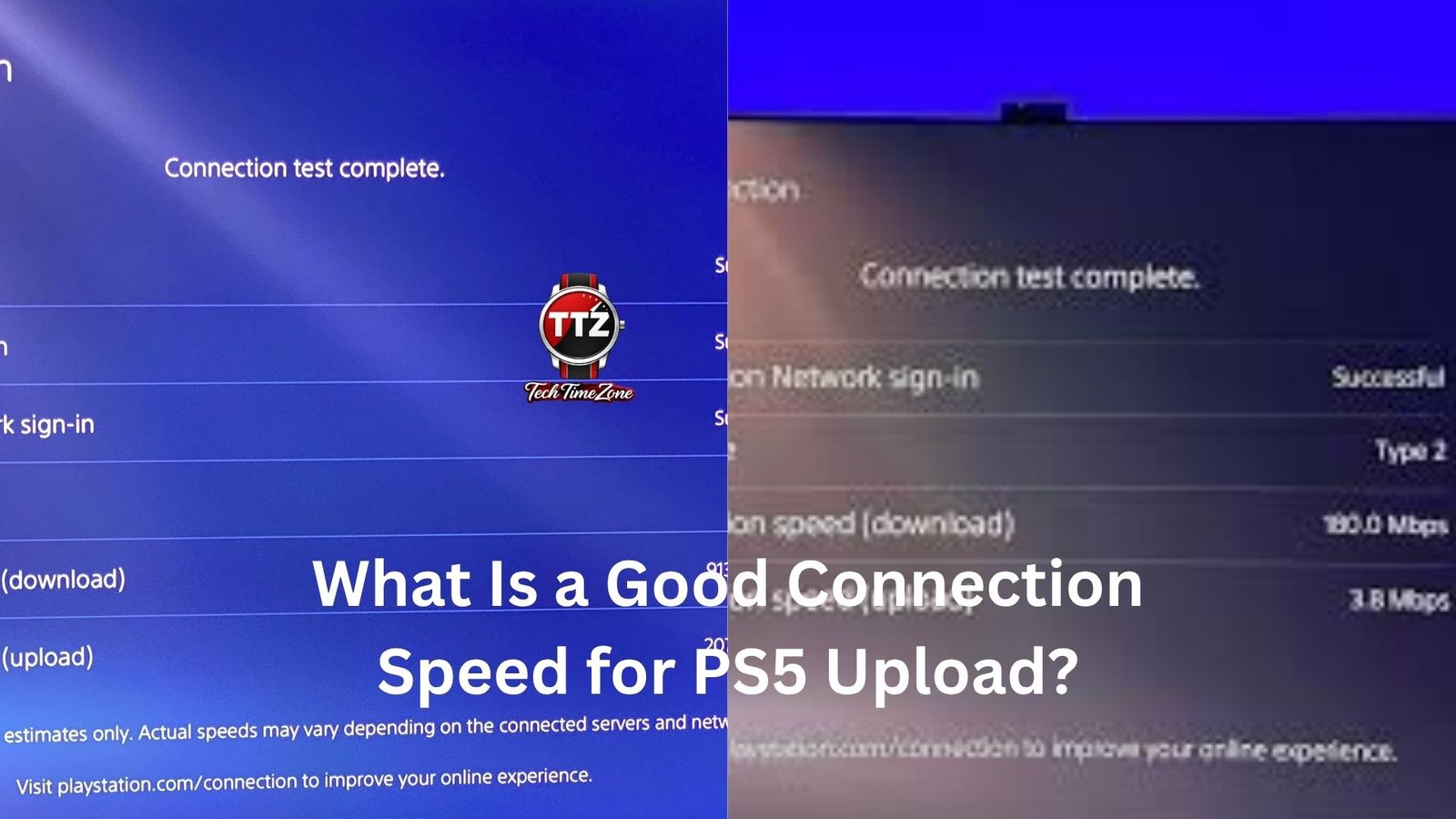
The PS5 includes a built-in network test.
Navigate to:
Settings > Network > Connection Status > Test Internet Connection
The test will display both download and upload speeds.
Don’t be surprised if the numbers differ from what your internet provider advertises.
Speed tests on gaming consoles often produce lower results than tests performed on a wired computer.
What’s important is whether the connection performs reliably during actual gameplay.
If multiplayer matches feel smooth and party chat remains clear, slight differences in reported speed usually aren’t worth worrying about.
Wired vs Wi-Fi Makes a Bigger Difference Than Many Expect
A wired Ethernet connection can often improve gaming performance more than upgrading to a faster internet package.
Wi-Fi is convenient, but it’s vulnerable to interference from walls, appliances, neighboring networks, and distance from the router.
You might have a 500 Mbps internet plan and still experience connection issues because your wireless signal is unstable.
Switching to Ethernet often reduces latency and improves consistency immediately.
Many competitive gamers use wired connections even when they have excellent Wi-Fi available.
Not because it’s faster on paper, but because it’s more predictable.
And predictable connections win online matches.
When Should You Upgrade Your Internet?
You probably don’t need an upgrade if:
- Online games run smoothly.
- Party chat sounds clear.
- Cloud saves sync normally.
- Upload tests consistently show at least 5 to 10 Mbps.
An upgrade may be worthwhile if:
- You stream gameplay regularly.
- Multiple people upload data simultaneously.
- Voice chat frequently cuts out.
- You experience repeated disconnects despite troubleshooting.
Before spending more money, it’s worth checking router placement, Wi-Fi interference, and Ethernet options first.
Many connection problems originate inside the home network rather than with the internet plan itself.
The Sweet Spot for Most PS5 Players
For the average PS5 owner, an upload speed of 10 Mbps is a comfortable target.
It’s fast enough for online gaming, party chat, cloud saves, gameplay sharing, and everyday internet use without creating bottlenecks.
Competitive players can perform perfectly well with less, provided the connection is stable. Streamers and content creators will benefit from higher upload speeds, often 15 Mbps or more.
At the end of the day, upload speed matters, but not as much as many people think. A reliable connection with solid latency and around 10 Mbps upload will satisfy the needs of most PS5 gamers. Once you reach that point, stability becomes far more important than chasing bigger numbers.